This log covers November 21. The bounce trick moved from the simulator to training on the real robot. A walker that looked better in simulation did worse on the floor, which showed the simulator's motors were too quick. The hind-leg stand failed in a few dramatic ways. And the small computer for Wi-Fi control finally arrived.
Training the bounce on the robot
A new version of the bounce network trained overnight could start from any stance, but it only rose about 13°. Anything under 20° isn't much of a trick. So I tried a different approach. Instead of a network, the bounce is now a simple move described by 12 numbers, like how far the front legs crouch and how long they push. The robot does a bounce, the Mac reads back how high he rose, how hard he landed and how hard the motors worked, then picks the next set of numbers to try. I call this live training. Before each try, the simulator checks the new numbers and skips any that fall over. If the robot falls for real, the whole training run stops.
The rear legs now stay still, and only the front legs crouch and push. The panel has a target angle from 10° to 90°, and each angle keeps its own training. The first tries did nothing at all, because the Teensy only accepts 10 words per command and the trainer was sending more. Next he pitched forward and flopped onto his front body. Later a front knee got hot, even though he wasn't doing much.
In the evening the bounce had turned into an odd shuffle. The front legs slid forward, then back, then pushed up, and the slide back pushed him backward. Now the front legs go straight down and straight up, with each paw staying under its shoulder. In simulation that gives a 16.5° bounce that lands within 1 cm of where it started.
Carpet makes no difference
To check whether the scraping paws were slipping, I ran him at 2.0 m/s on the bare garage floor and over carpet taped down on top of it. The carpet runs matched the bare floor, at about 1.9 m/s steady speed and the same power. In slow motion his paws still brushed the carpet without slipping back. So the problem is paw height, and grip has nothing to do with it.
A walker that danced
The first walker trained with the new motor damping from Log 25 went onto the robot as fox_panel 90. On the floor it shuffled its feet almost like dancing. At 2.5 m/s it went 3.86 m against about 5.1 m for s22rl3, used 0.31 Wh against about 0.22, and the joints moved 35 to 90% faster for the same steps.
The simulator had seen this coming. I test every walker on seven slightly different simulated robots, and on the one with the slowest motors this walker had fallen apart. I had picked it on paw height and top speed alone. Comparing the logs, the real robot behaves like that slow-motor version. Its motors react in about 6 ms, while the walkers trained with 1 ms. Now every walker has to pass all seven simulated robots before it goes on the real one. I also started training with motor lag that changes at random from 3 to 9 ms. The first walker trained that way is faster than s22rl3 on the slow-motor simulation and passes every check. It hasn't been on the robot yet.
Standing on his hind legs
That evening I tried the hind-leg stand from the simulator. On the first try he rose to 65° nose up, rocked for a second, and came back down. On the second he only reached 60° and started tipping forward. The network tried to catch him with a big step of the rear-right hip, and the hip fell 2 rad behind its target. That tripped the safety check, all motors eased off, and he walked toward the camera and flipped over. While easing off, each joint still headed for its last target, the big step. Now a joint's target stays close to where the joint is while the motors ease off. Tricks also get a detailed record of every joint 50 times a second.
On the third try he only rose 29°. The rear-left hip had hit the limit I marked by hand, which lets that thigh swing only about 70° back. The network wants 86 to 114°, since the simulator it trained in had no joint limits. I re-marked the rear hip limits wider. On the fourth try he rose to 92° in under half a second and kept going. At 101° the over-backward check eased the motors off, and he went all the way over onto his back.
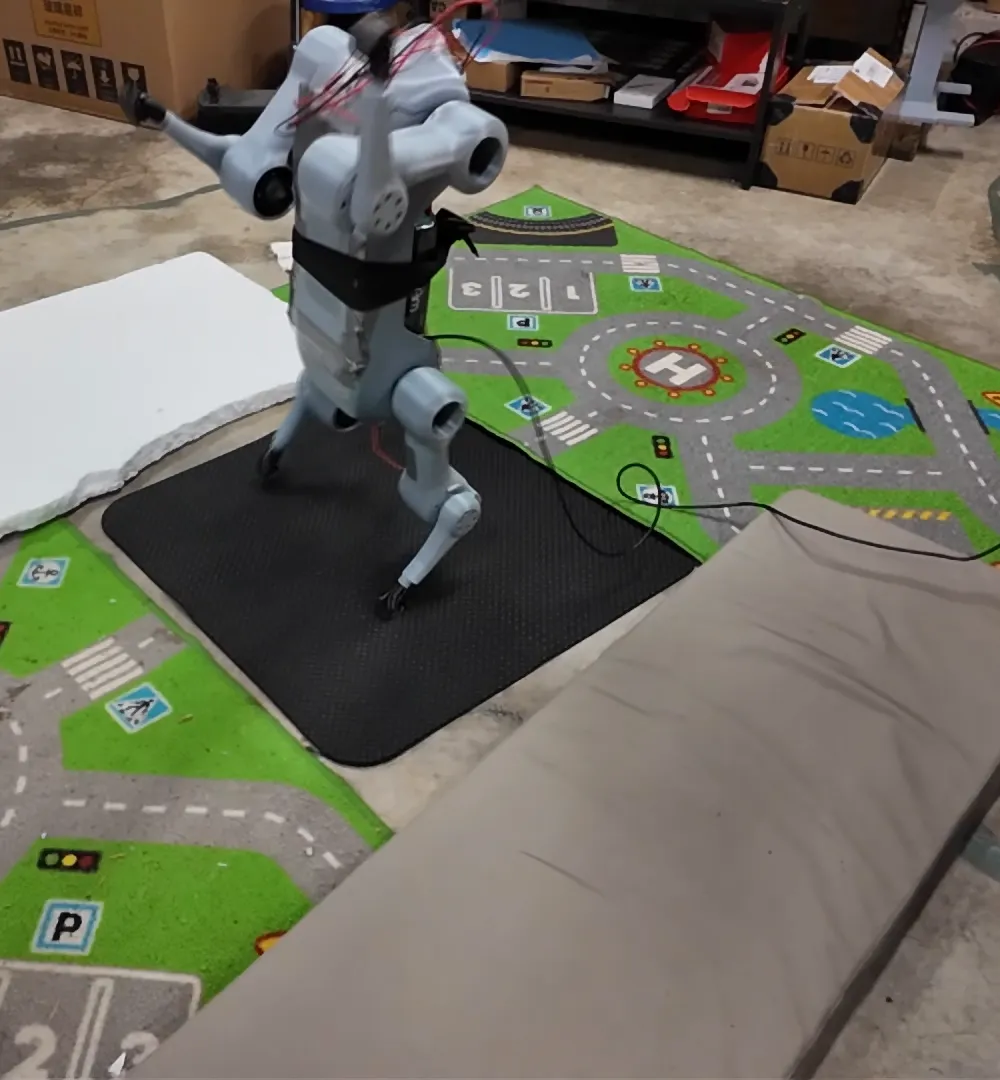
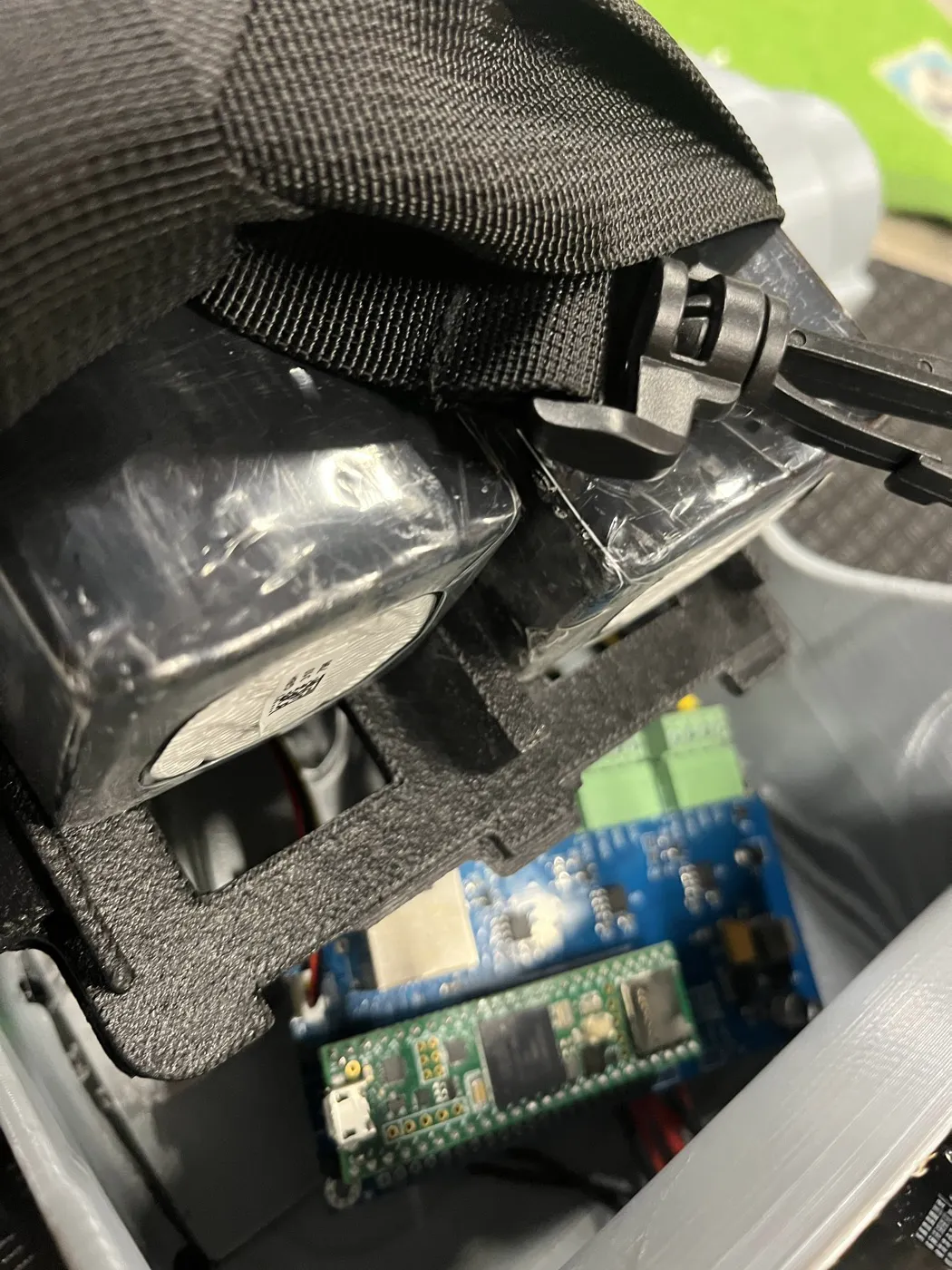
Weighing him with only the front paws on a scale showed why. The front paws carry about a third of his weight, where the model expected 43%. His weight sits 2 to 4 cm further back than the simulator thought. In simulation, the stand works with the weight up to 4 cm back and goes over backward at 5 cm. The battery packs make it worse, since they slide back in the deck when he rears up, even with tight straps. The small stops at the ends of the deck had broken or been cut off, so I drew a new deck with walls that go all the way around the packs.
Separately, I trained the regular stand-up move to stay in one place. The old one tended to drift forward as it rose.
Joining the carbon-fiber tubs
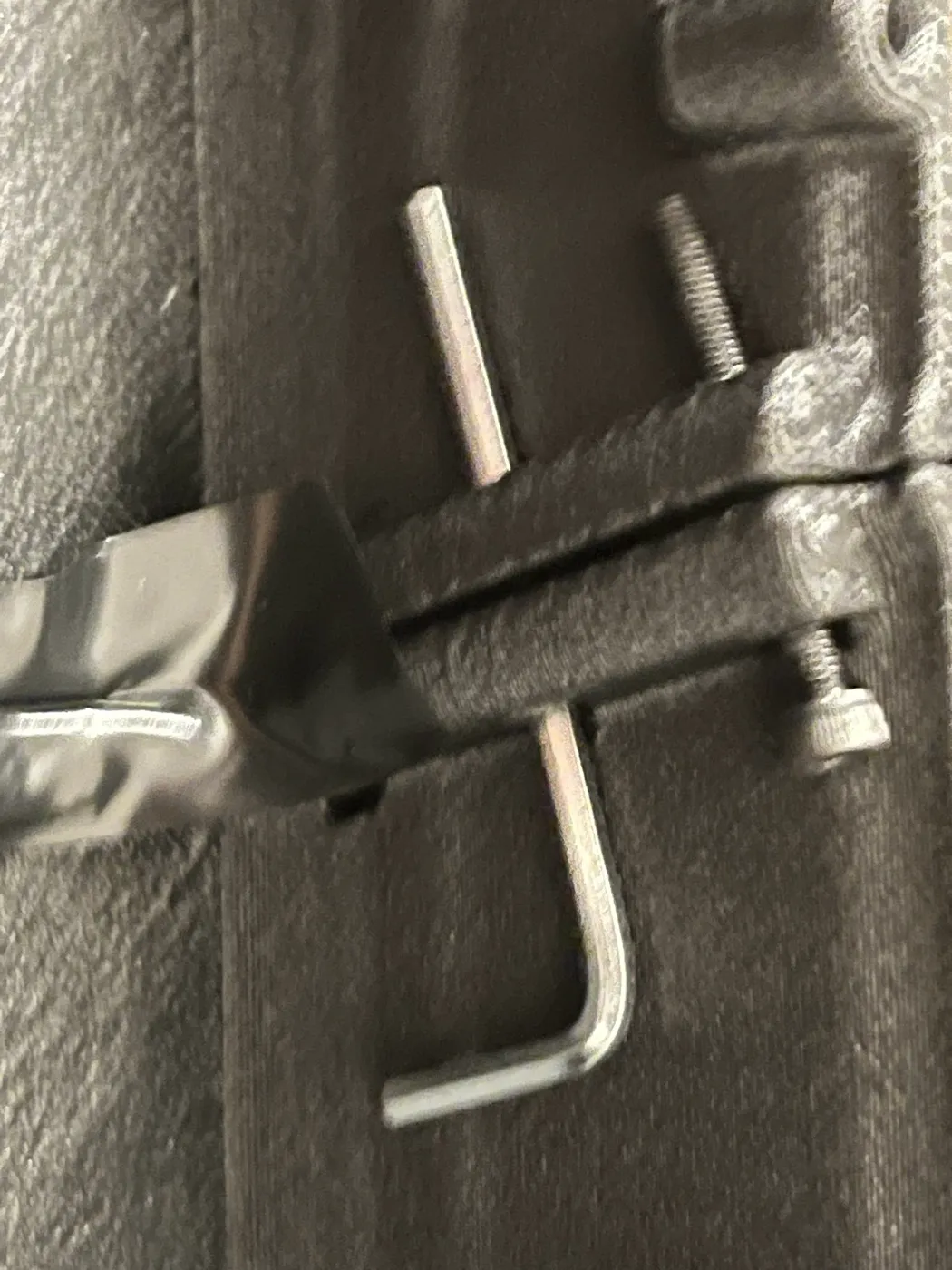
The carbon-fiber front tub finished printing, along with another right thigh, and the last left thigh started that night. Joining the two carbon-fiber tub halves was very hard. Where the screws go in, the screw head hits the tub and tilts, so the screw goes in at an angle. The next version needs a bigger lip there, on the bottom as well as the top.
The Pi arrives
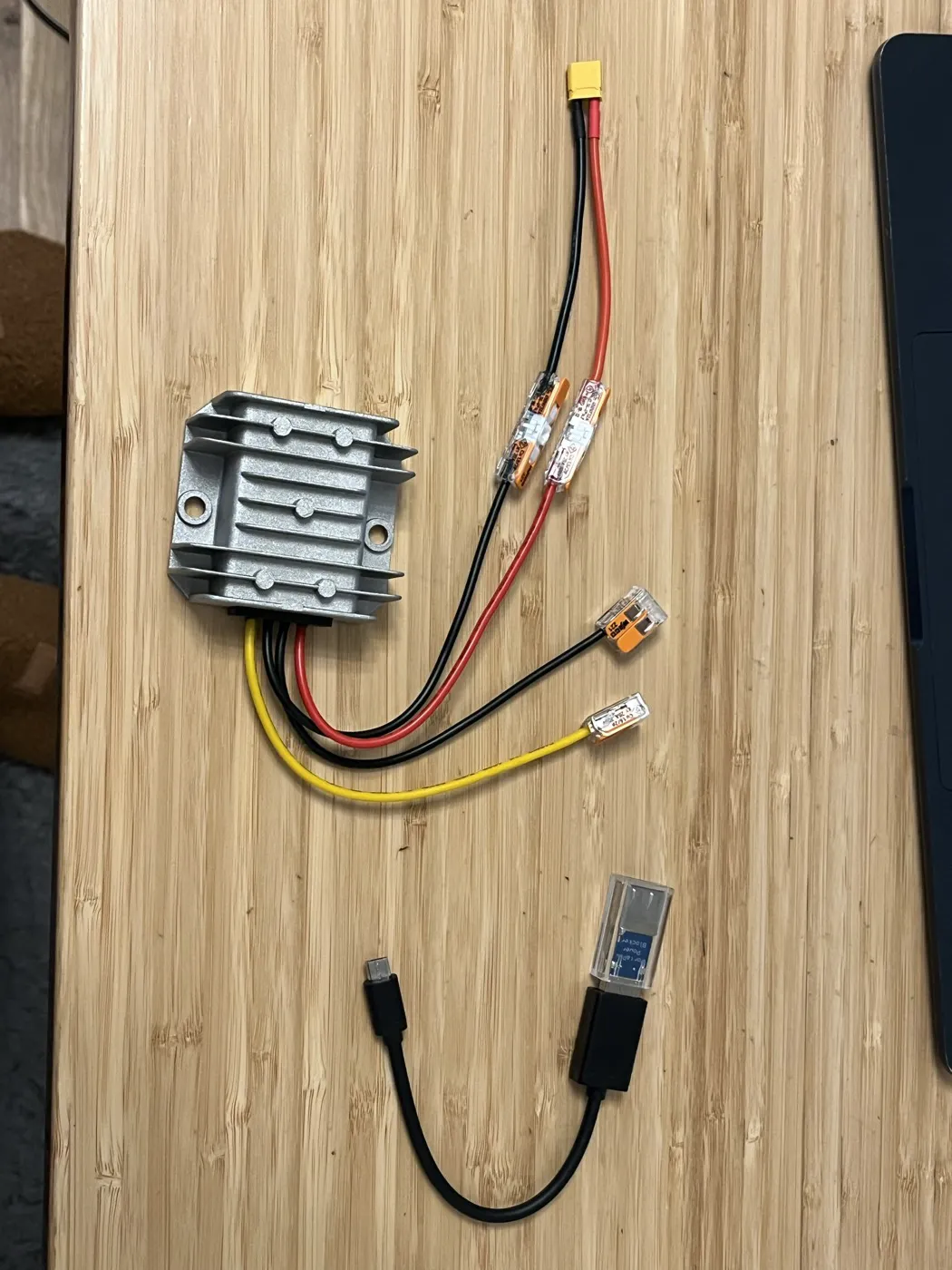
The Raspberry Pi Zero W arrived in the evening. It rides on the robot and connects to the Teensy over USB, so the control panel can talk to the robot over Wi-Fi. I wired a 5 V converter from the robot's battery to power it, set up its Wi-Fi, and got the panel talking to it. Over Wi-Fi, the robot now always runs in cable-free mode, so a short Wi-Fi drop won't make him sit. The Pi restarted a few times during the evening, once right as a cable was pulled out near it, so the wiring still needs work.