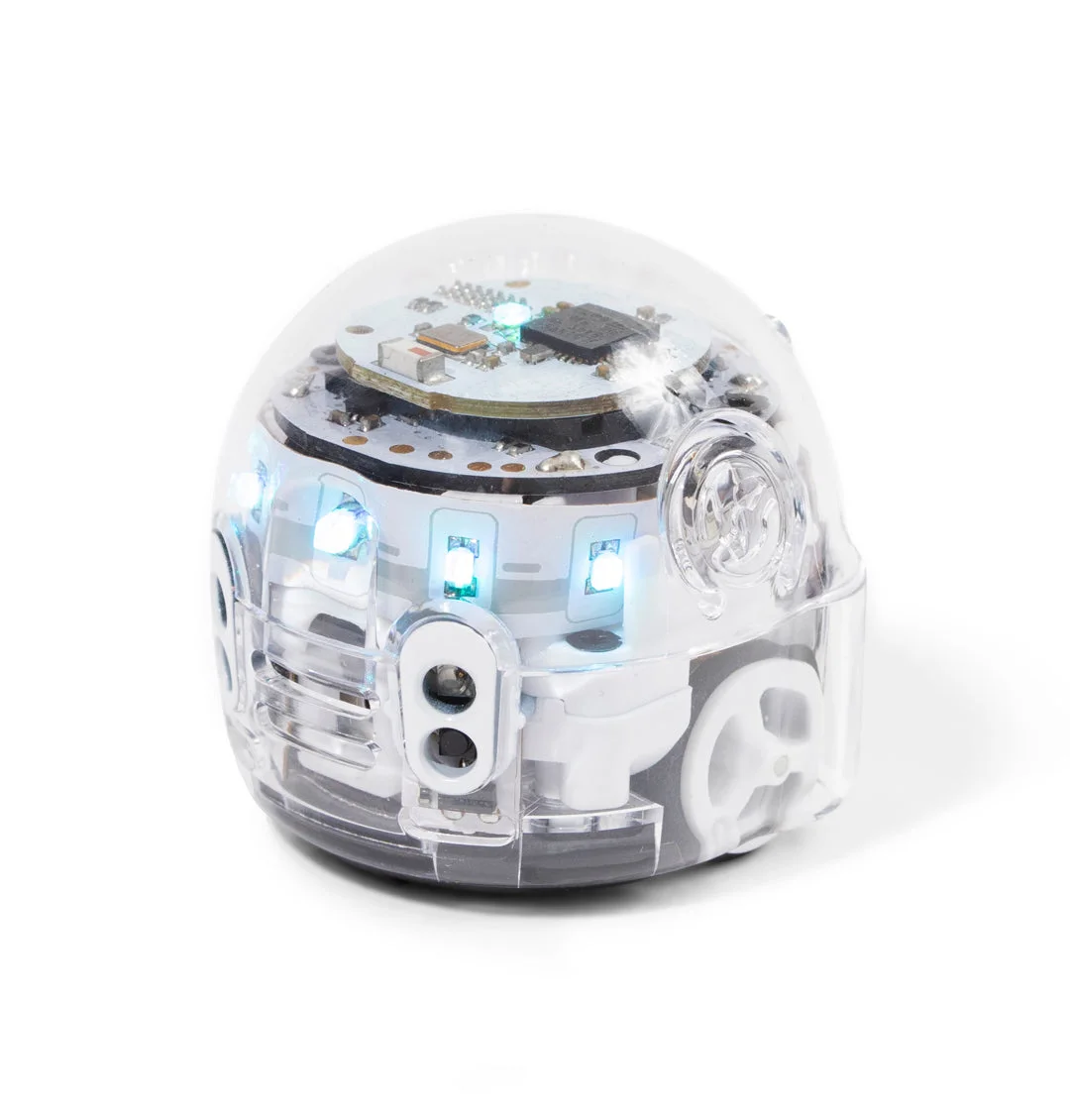
Overview
A tiny line-following robot that reads colored marker codes on paper, so young children can program it without a screen. It suits K–5 classrooms, which get a large free lesson library, and older students can move on to Blockly and Python. Its size and screen-free coding set it apart from app-only robots. It is best at following lines on paper or tablets, and there is little room for add-on hardware.
- Type
- Wheeled robot · Classroom coding cars
- Maker
- Ozobot (USA)
- Released
- 2017
- Price
- $175.00
- Status
- Available
- Best for
- Ages 5–11
- Programming
- Full SDK
Price and shipping
$175.00 for the Evo Entry Kit (1 robot, zip case, 5 Color Code markers, charging cable) at the Ozobot store and on Amazon US, sold by Ozobot (September 2026). Evo is sold in kits rather than as a bare robot; the 6-bot classroom kit is $999. Release year 2017 (unconfirmed).
Shipping: 5–7 business days (Ozobot store); faster via Amazon. Sold by Ozobot on Amazon US and shipped by Amazon, and from Ozobot's own US store, which quotes 5 to 7 business days within the US. Amazon ↗
Specifications
| Category | Wheeled rovers · Classroom coding cars |
|---|---|
| Released | 2017 |
| Country | USA |
| Availability | Available |
| Programmability | Full SDK |
| Built-in autonomy | Reactive · Responds to its surroundings without a map, such as avoiding obstacles or following a person |
| LLM support | Official LLM tools · Ozobot sells a Foundations of AI curriculum for grades 5–12 that covers how large language models are trained and using AI with the Ozobot Editor, with Evo and Ari activities. Ozobot Foundations of AI ↗ |
| MuJoCo simulation | None found · Nothing found. |
| NVIDIA Isaac simulation | None found · Nothing found. |
| Gazebo simulation | None found · Nothing found. |
| Best for | Ages 5–11 (maker rating) |
| Vision sensors | No vision sensors |
| Actuators | DC / gear motors |
| Audio | Speaker |
| Compute type | Proprietary / undisclosed |
| Remote control | Via SSH / web / bridge |
| Size | Pocket-sized, about 3.6 cm across (unconfirmed) |
| Drive | 2 independently driven wheels |
| Compute | Proprietary |
| Vision | None (optical sensors underneath read lines and colours) |
| Lidar | None |
| Sensors | Optical line and colour sensors underneath, proximity sensors (4 per a review), Bluetooth LE |
| Runtime | Rechargeable LiPo, 60-minute charge; about 40 minutes with a constant Bluetooth connection (review, unconfirmed) |
| Speed | Not published |
| SDK | Screen-free Color Codes, Ozobot Blockly / Ozobot Editor (5 levels up to text), Ozobot Python editor with an Ari & Evo API |
Common questions
How much does Ozobot Evo cost?
Ozobot Evo is listed at $175.00. $175.00 for the Evo Entry Kit (1 robot, zip case, 5 Color Code markers, charging cable) at the Ozobot store and on Amazon US, sold by Ozobot (September 2026). Evo is sold in kits rather than as a bare robot; the 6-bot classroom kit is $999. Release year 2017 (unconfirmed).
Can Ozobot Evo be bought today?
Yes, it is on sale. Typical shipping time is 5–7 business days (Ozobot store); faster via Amazon. Sold by Ozobot on Amazon US and shipped by Amazon, and from Ozobot's own US store, which quotes 5 to 7 business days within the US.
Who makes Ozobot Evo?
Ozobot Evo is made by Ozobot (USA). It came out in 2017.
Can Ozobot Evo be programmed?
Full SDK. Screen-free Color Codes, Ozobot Blockly / Ozobot Editor (5 levels up to text), Ozobot Python editor with an Ari & Evo API.
Does Ozobot Evo have AI chat or LLM support?
Official LLM tools. Ozobot sells a Foundations of AI curriculum for grades 5–12 that covers how large language models are trained and using AI with the Ozobot Editor, with Evo and Ari activities.
What age is Ozobot Evo for?
Ages 5–11, per the maker.
Ratings & reviews
Ratings and reviews load on the live site.
Compared side by side
Related guides
- ROS 2 Guide · the software framework many robots use
- Robot Vision and Depth Sensors · cameras, lidar and other distance sensors
- Raspberry Pi Guide · every Pi compared for robot use
Similar robots
 WeeeBot mini
 mBot
 mBot2 / mBot Neo
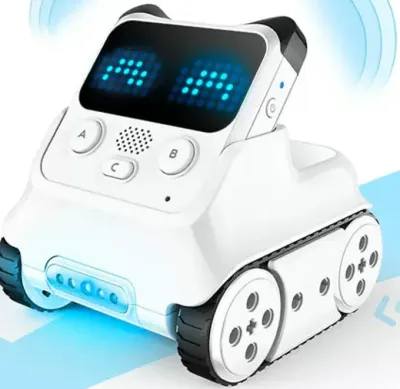 Codey Rocky
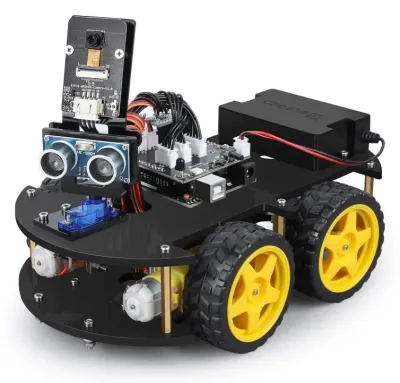 ELEGOO Smart Robot Car Kit V4.0 (with Camera)
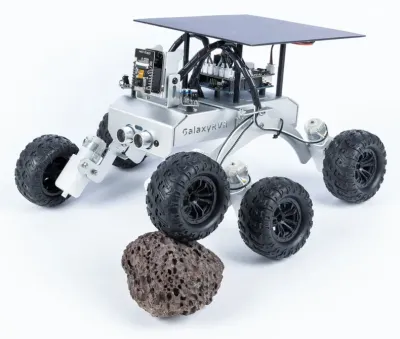 SunFounder GalaxyRVR Mars Rover Kit
Sources
Image credits
- Image 1: source (official product image)